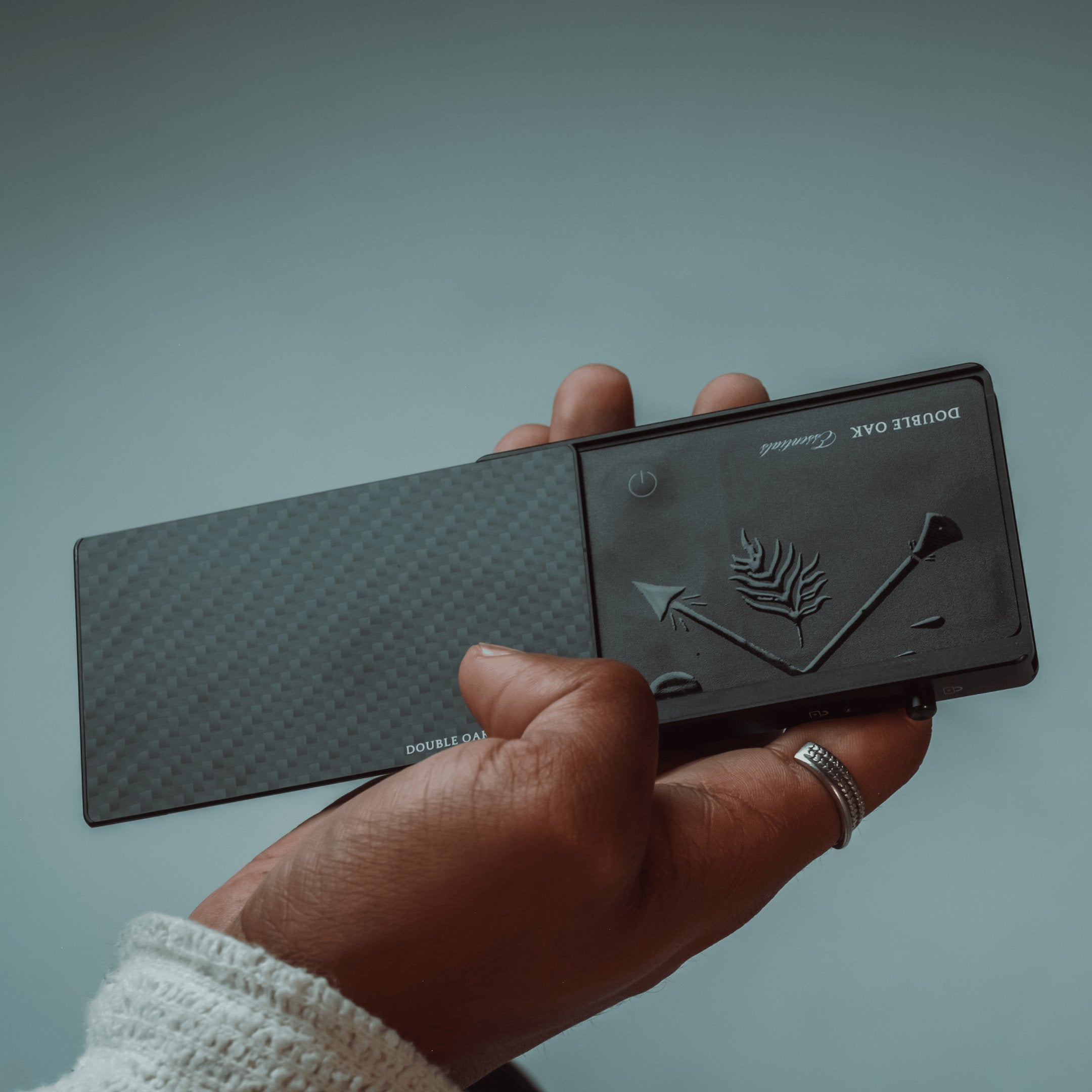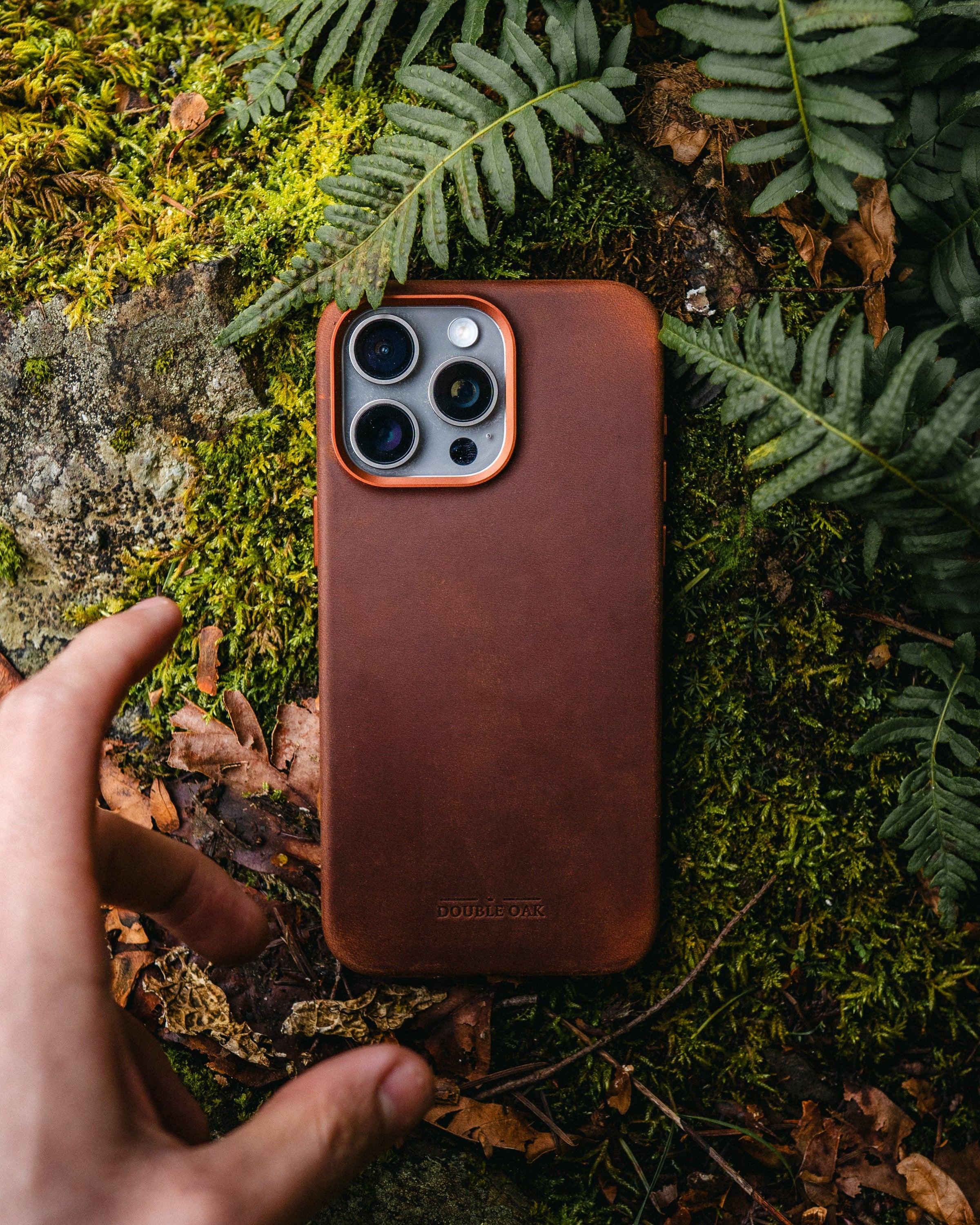





- Easy Installation
- Compatible with FindMy App
- As Thin as Two Credit Cards
- Auf Lager
Double Oak Essentials Wallet Tracker-Karte
Behalten Sie mit der Double Oak Essentials Wallet Tracker Card mühelos den Überblick über Ihr Portemonnaie. Dieser elegante Tracker ist komfortabel und zuverlässig und ideal für alle, die ihr Portemonnaie immer griffbereit haben möchten.
- Chip : TELINK
- Materialien : Strapazierfähiges PVC
- Wasserdichtigkeitsgrad : IP68 (vollständig wasserdicht)
- Batterie : 100 mAh Lithiumbatterie
- Gewicht : Leichtgewicht mit 13 g
- Farbe : Klassisches Schwarz
- Größe : 86 mm x 54 mm x 1,7 mm (ungefähr die Größe von zwei Kreditkarten)
- Kompatibilität : Funktioniert nahtlos mit der „Wo ist?“-App auf iOS-Geräten
- Akkulaufzeit : Wiederaufladbar mit bis zu 5 Monaten Nutzungsdauer pro Ladung
- Ladekabel: USB-C
Hauptmerkmale:
- Nahtlose Integration : Einfache Synchronisierung mit der Apple „Wo ist?“-App. Keine zusätzlichen Apps oder Downloads erforderlich.
- Globale Verfolgung : Finden Sie Ihre Brieftasche überall auf der Welt mithilfe des „Find My“-Netzwerks.
- Schnelle Installation : In Sekunden eingerichtet für sofortige Sorgenfreiheit.
- Schlankes Design : Passt bequem in Ihre Brieftasche, ohne aufzutragen.
- Langlebig und wasserdicht : Entwickelt, um der täglichen Abnutzung standzuhalten und gleichzeitig für zusätzlichen Schutz vollständig wasserdicht zu sein.
Kompatibilität:
- Um die Apple-App „Wo ist?“ zum Auffinden des Wallet-Trackers zu verwenden, wird die neueste Version von iOS, iPadOS oder macOS empfohlen.
- Die App „Artikel suchen“ auf der Apple Watch erfordert die neueste Version von watchOS.
Bleiben Sie in Verbindung und verlieren Sie nie wieder Ihre Brieftasche mit der Double Oak Essentials Wallet Tracker Card.
Turn on the Device:
Press and hold the button for five seconds. The device will beep and turn on.
Device Status Confirmation:
Double-click the device button twice. The device will beep, indicating that it is working. If the device does not beep, it is turned off. Press and hold the button for five seconds to turn it on.
Re-enter Pairing Status After Deleting Device:
The device will sound a beep and will be in pairing mode. If there is no re-pairing within 10 minutes, the device will leave the pairing state. To re-pair, click the device button once, and it will ring, indicating that it is in pairing mode and can be paired with the app.
Reset:
In the Find My app, remove the device.
After turning on the device, double-click the device button and immediately press and hold the button for about 10 seconds until the device beeps. Release the button to complete the factory reset. The device can then be paired with a new account.
Turn Off:
When the device is powered on, press the device button five times within two seconds. The device will beep and enter the shutdown state.
Ships in 2-3 Business Days
In the event that you're dissatisfied with the quality of our product, simply return it within 30 days for a hassle-free refund.